Beta
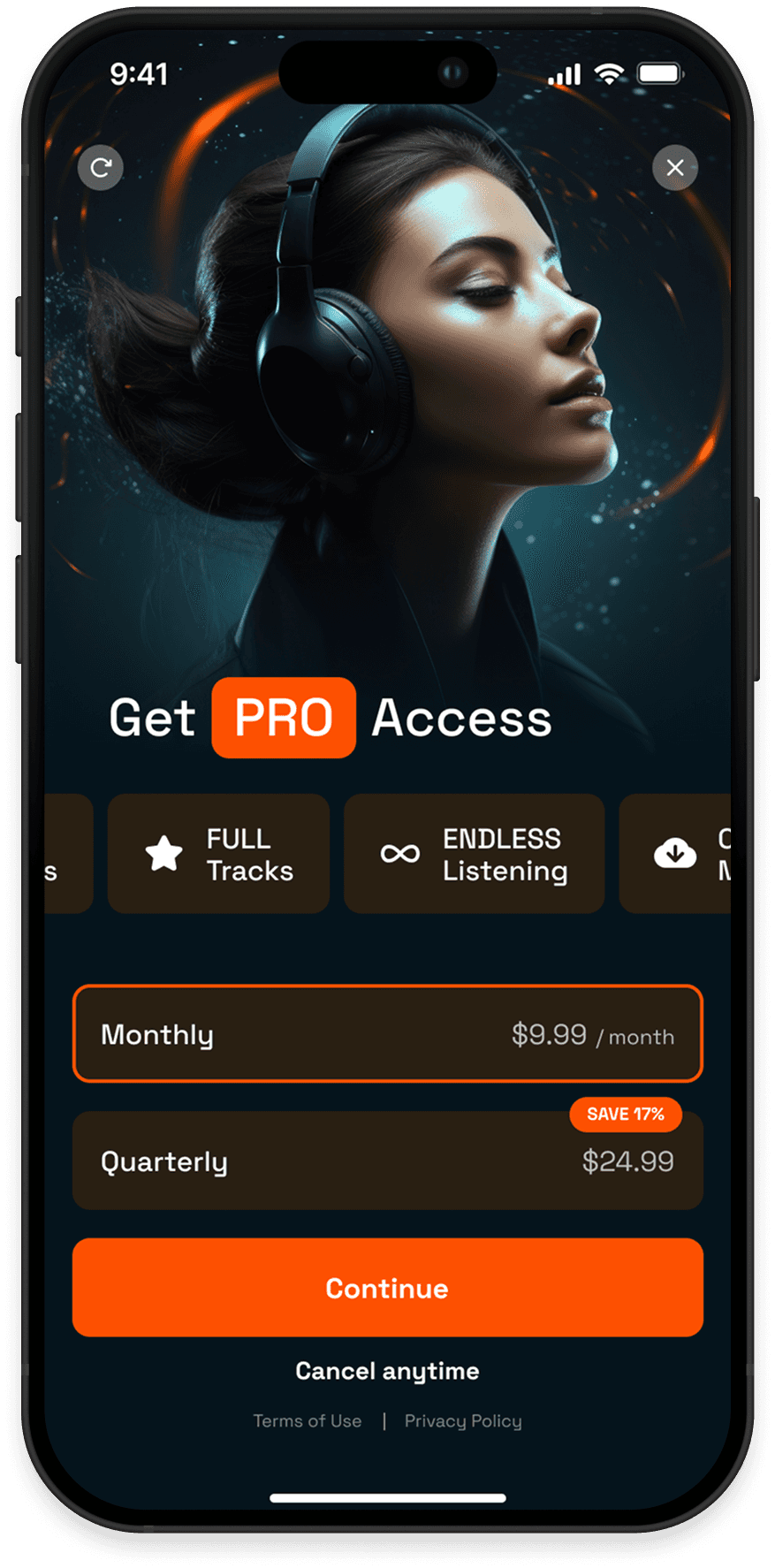
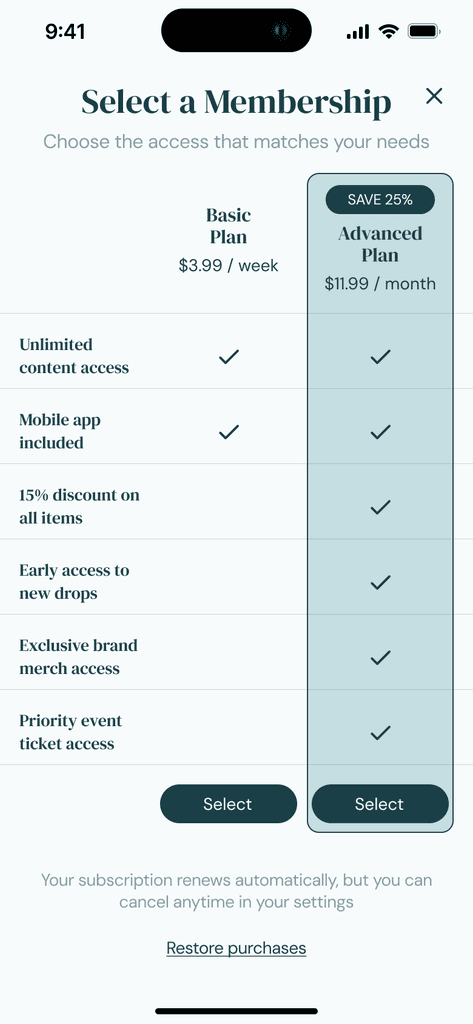
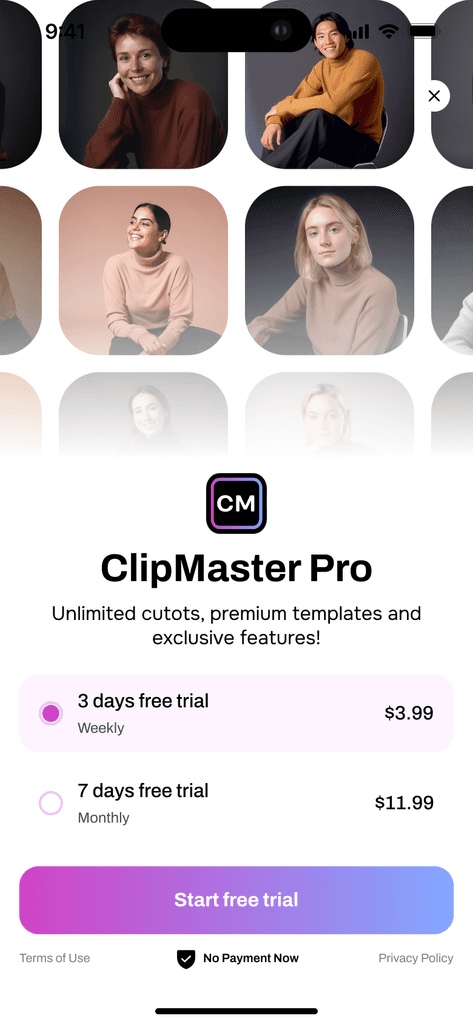
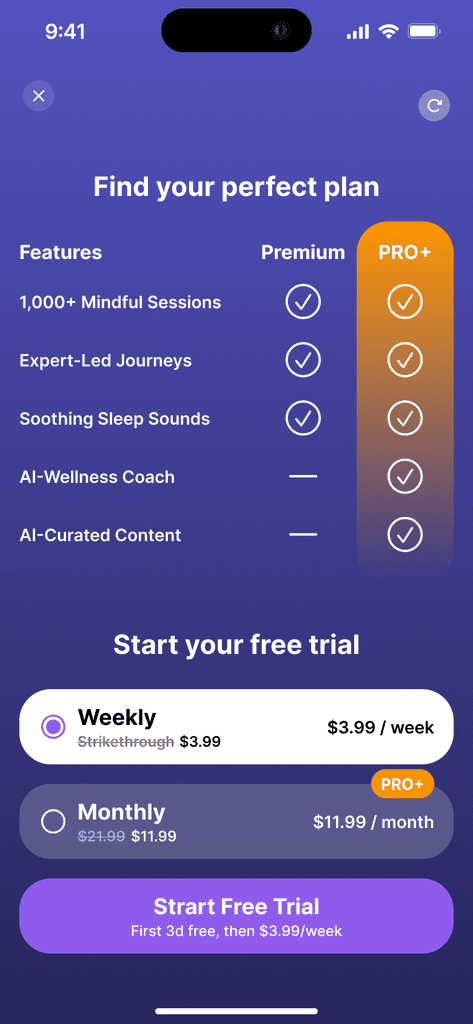
Start from scratch or use a template
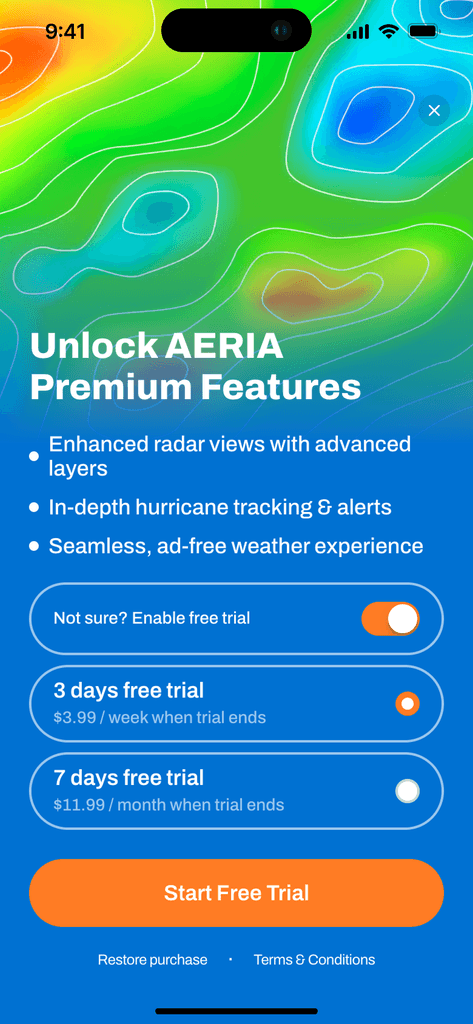
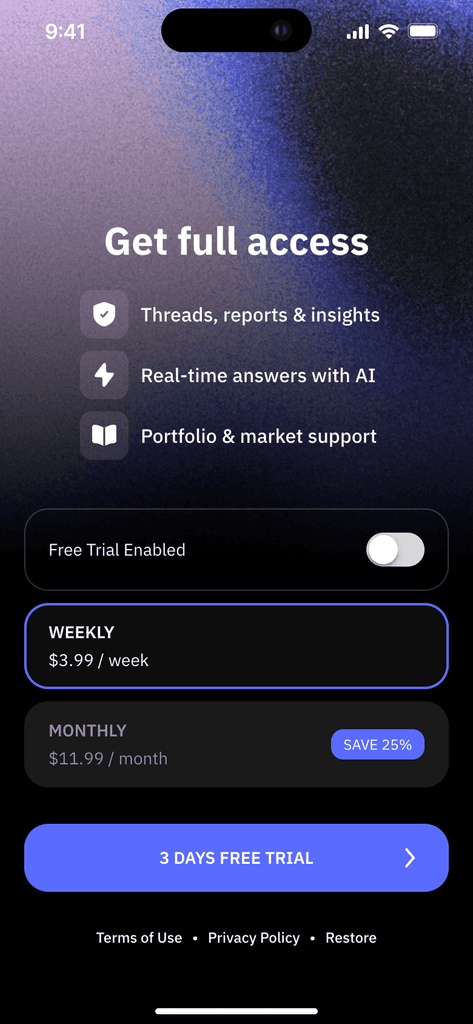
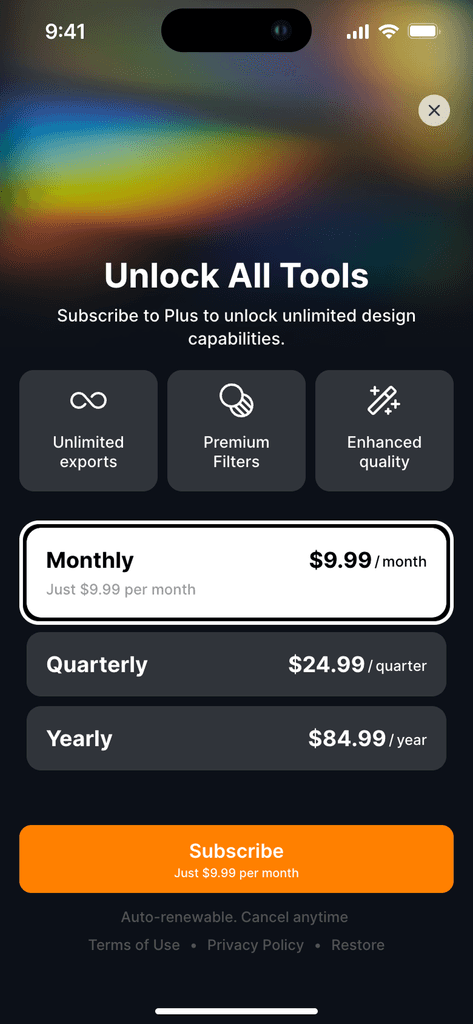
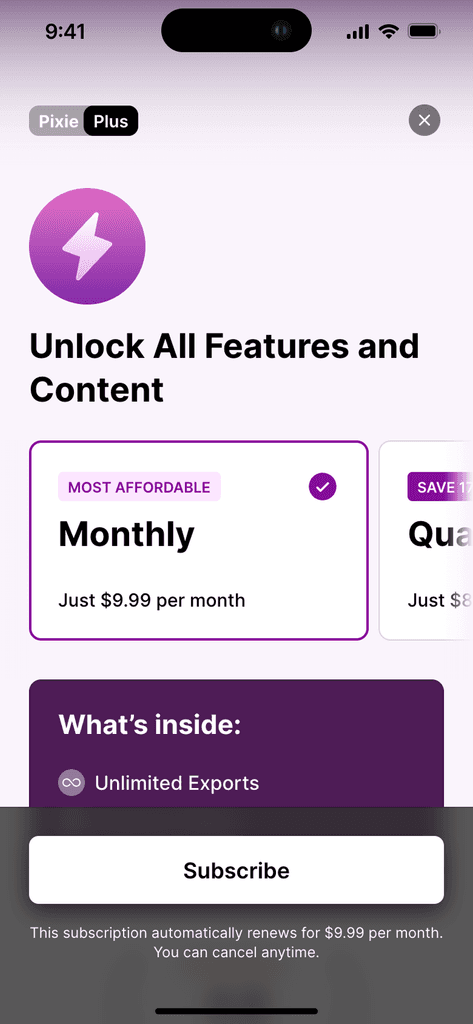
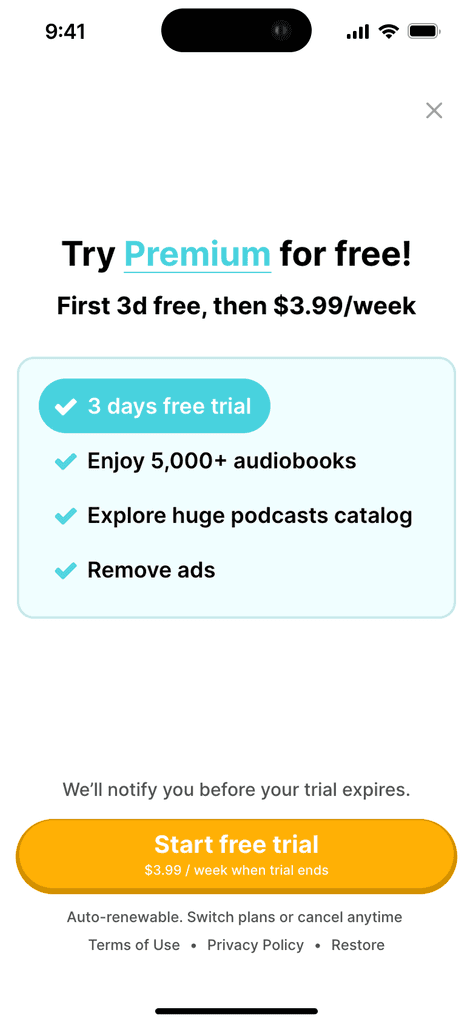
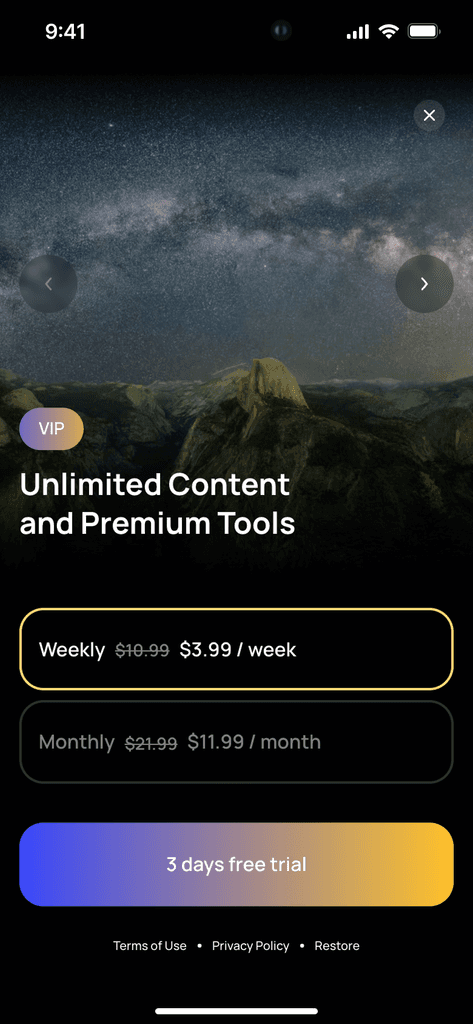
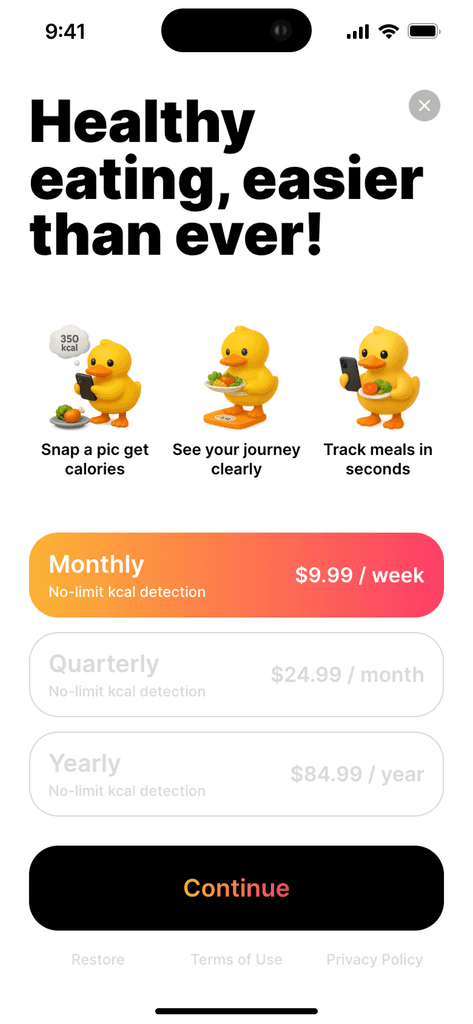
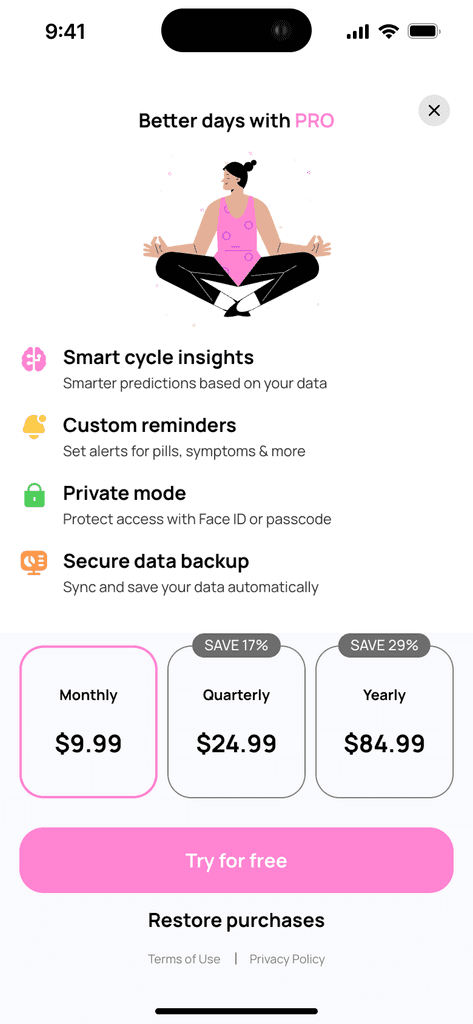
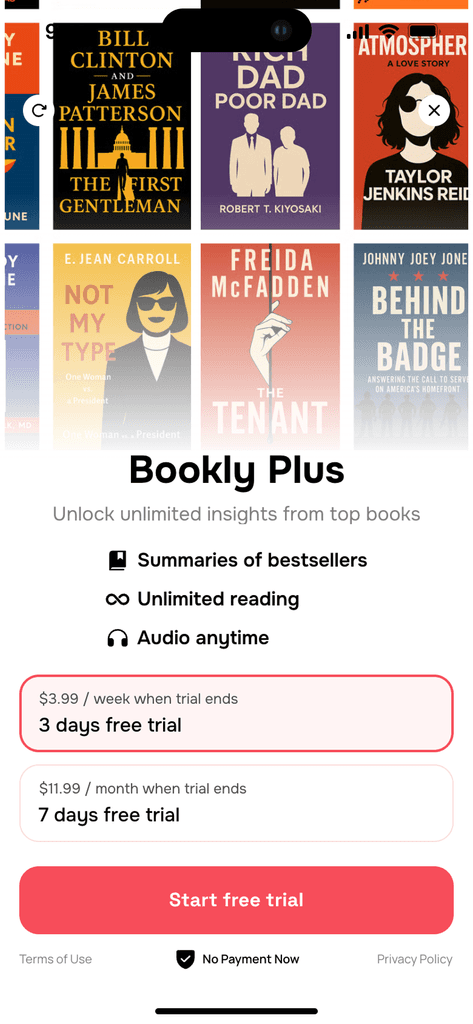
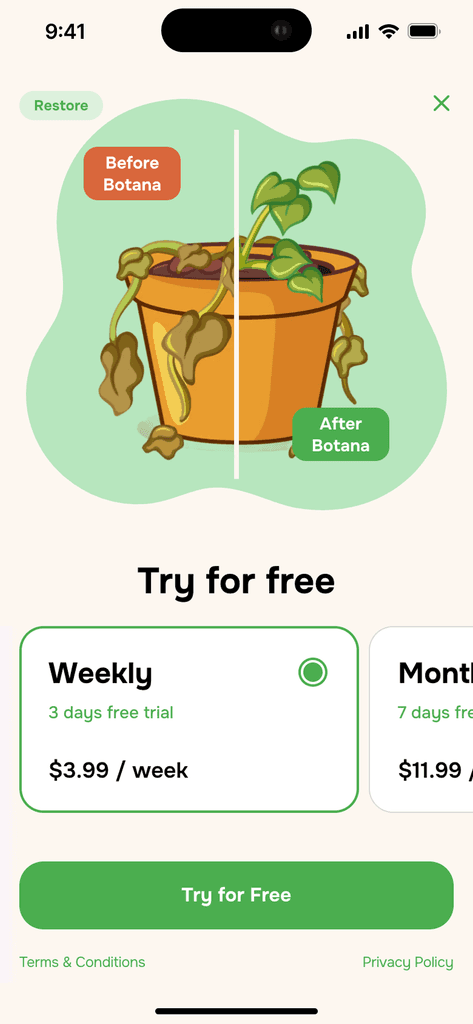
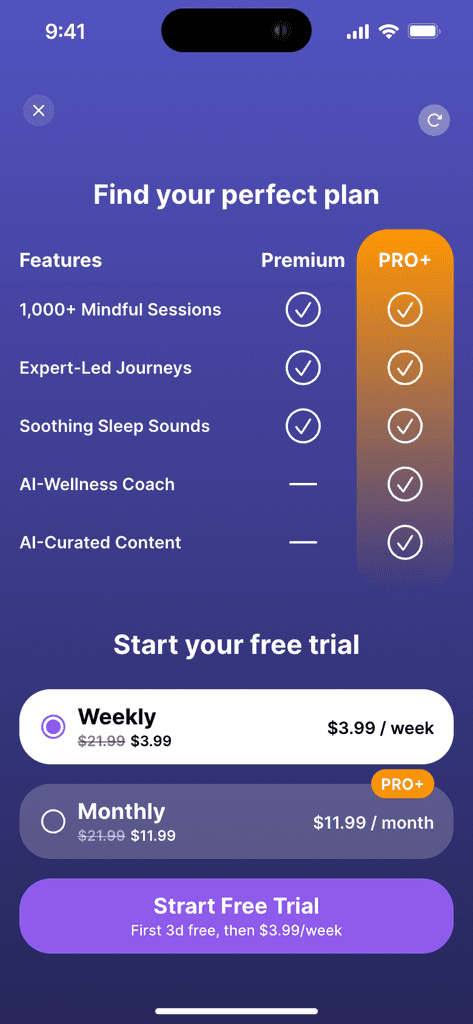
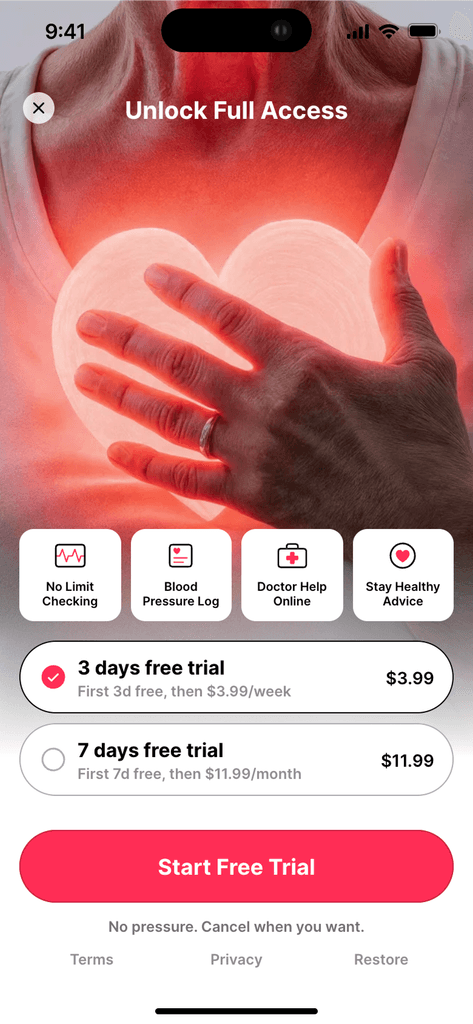
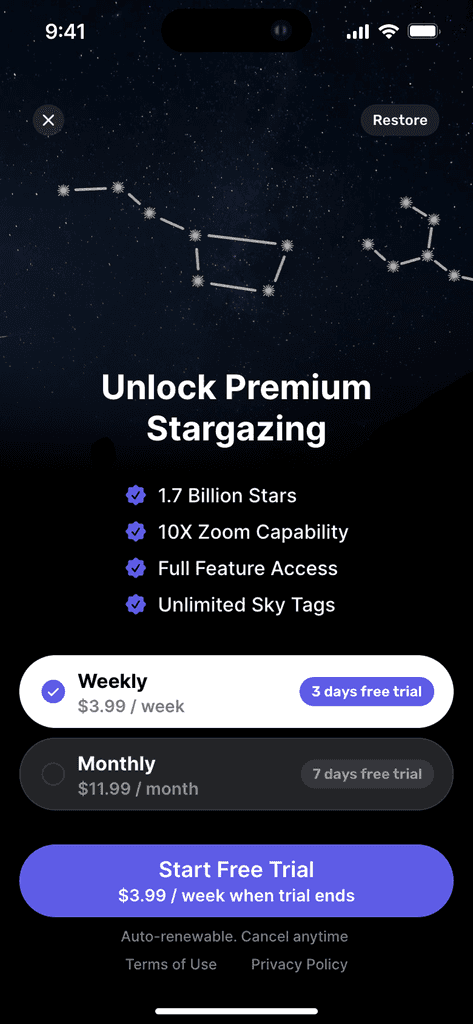
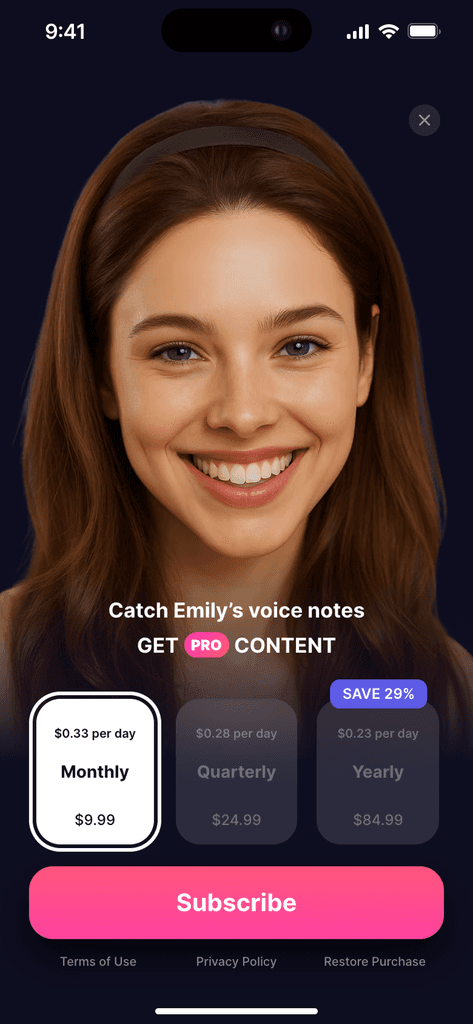
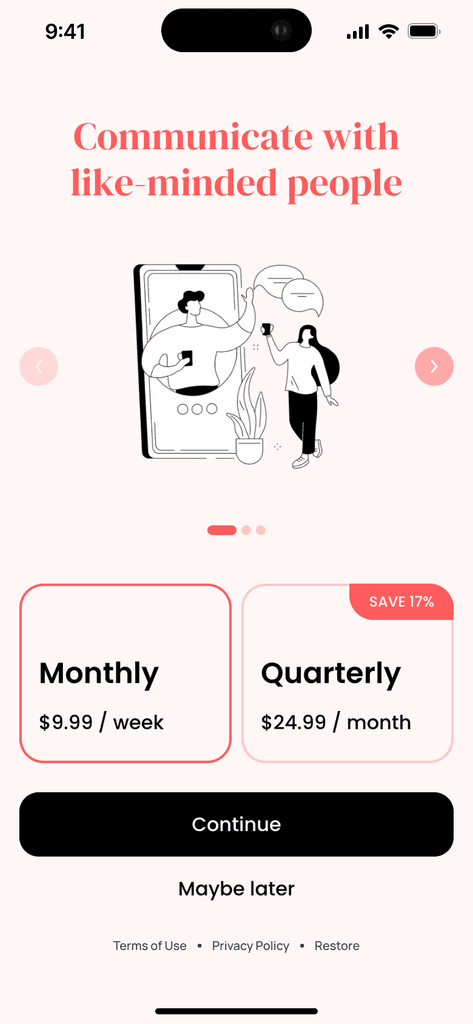
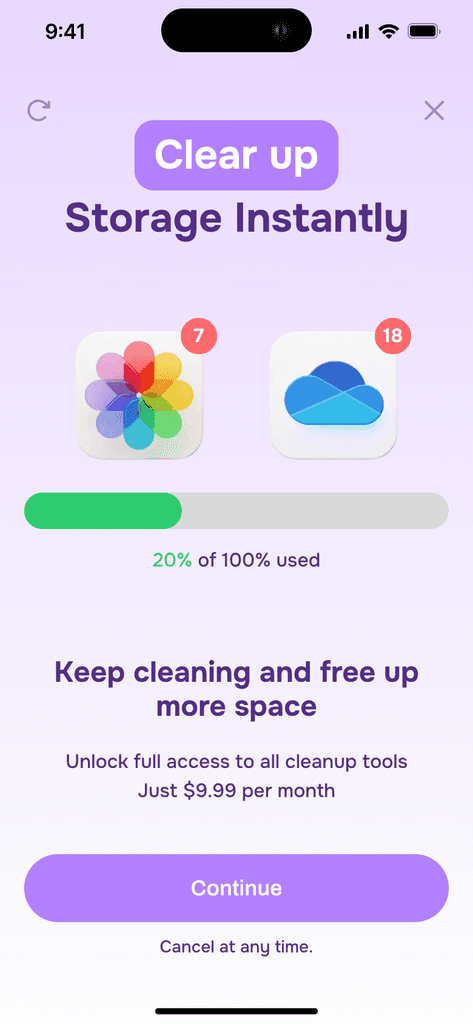
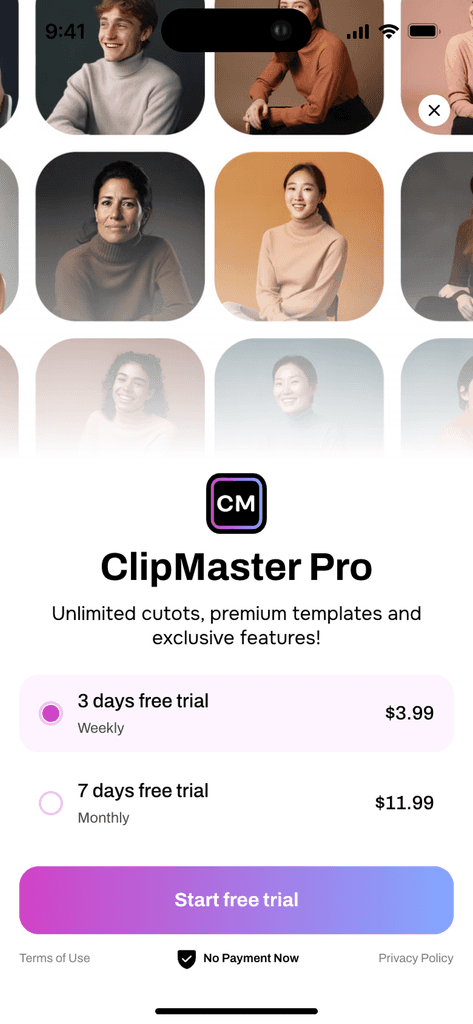
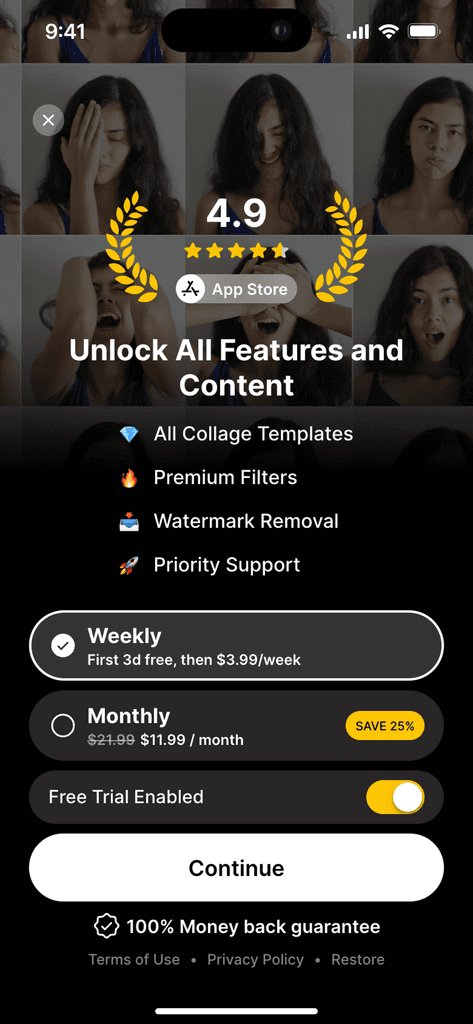
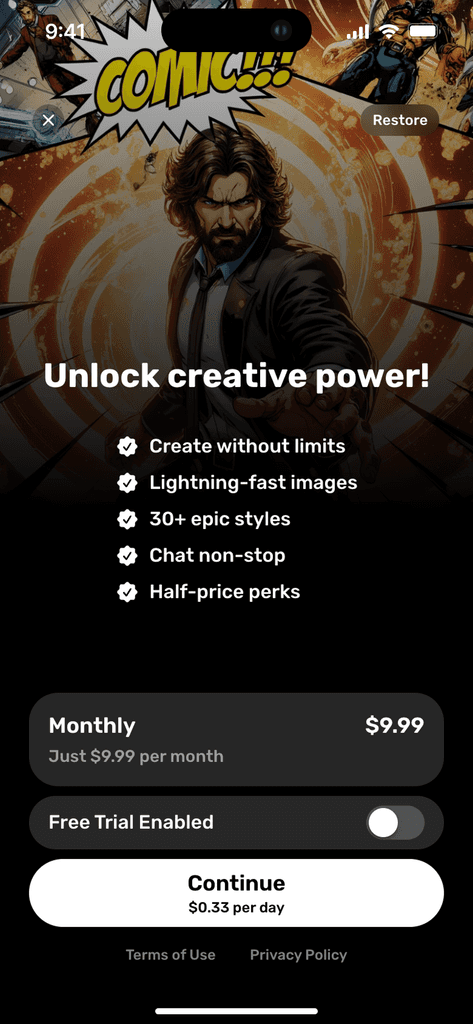
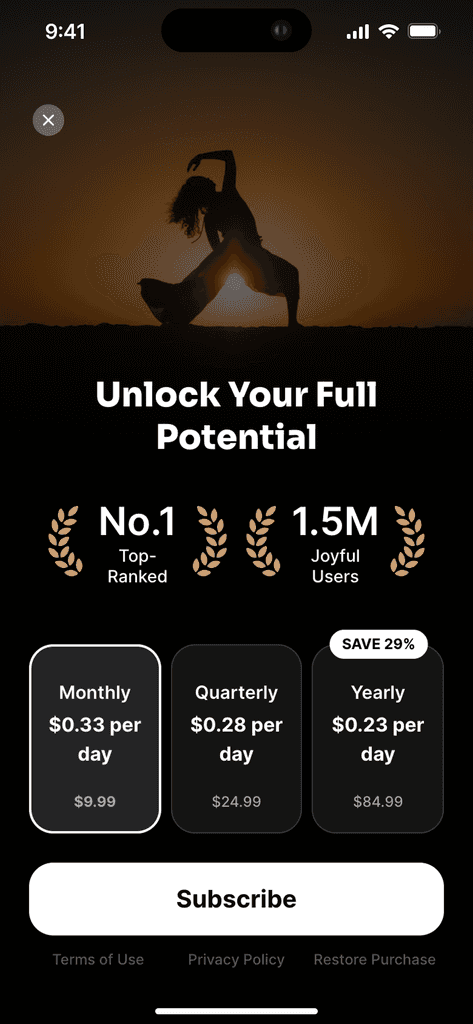
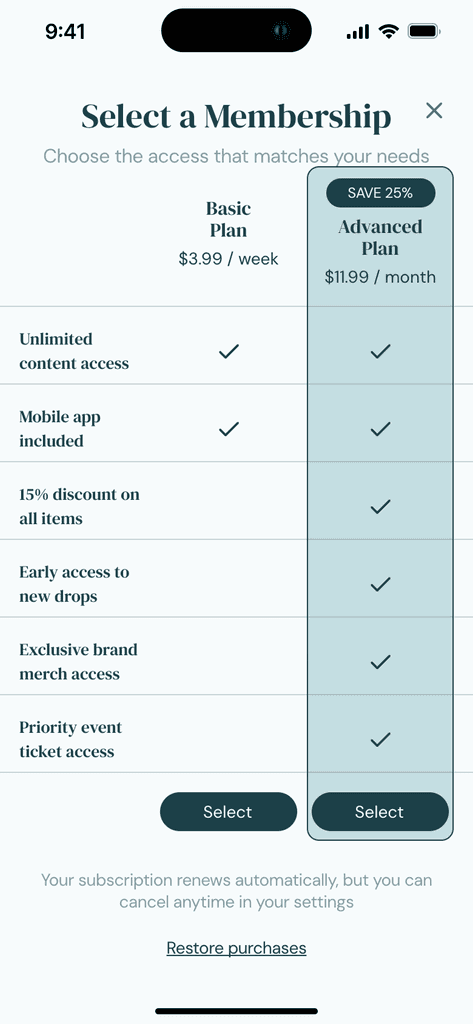
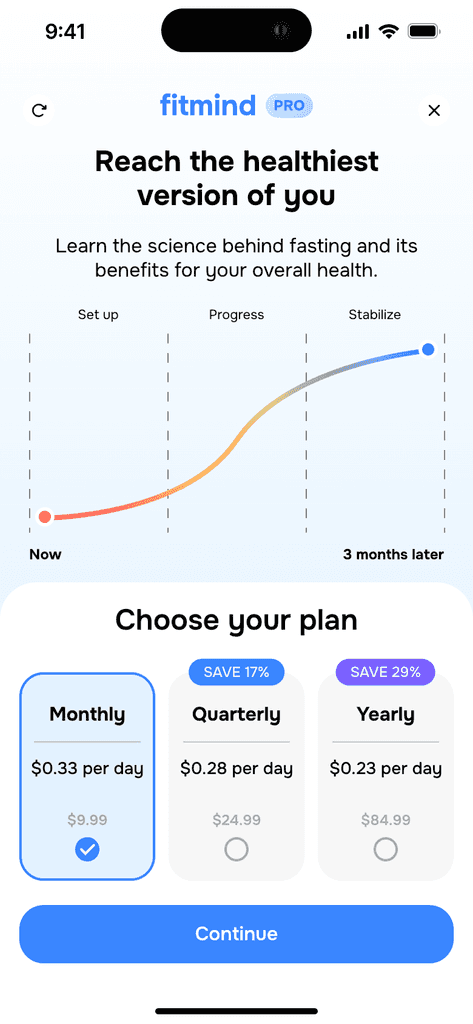
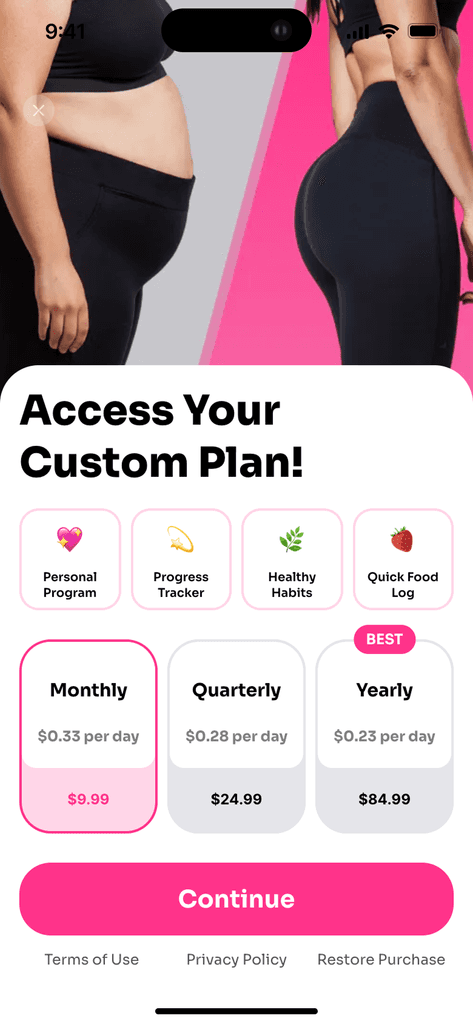
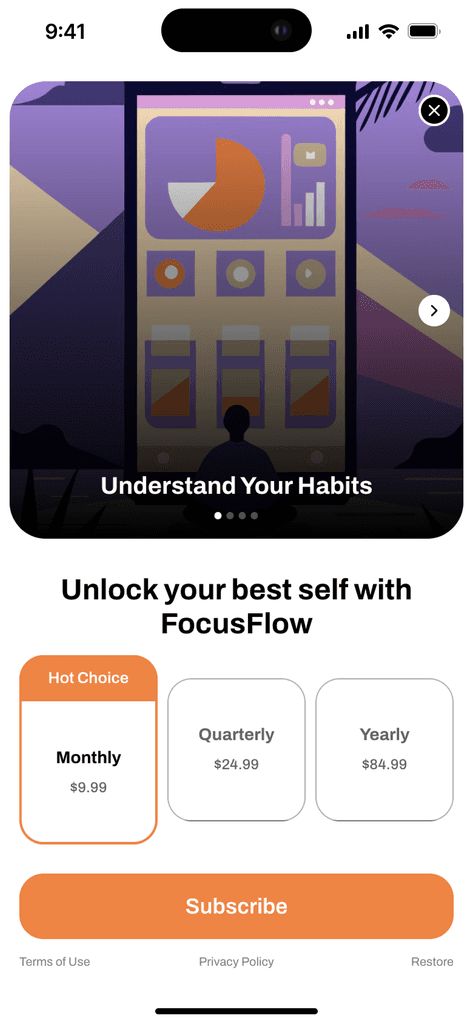
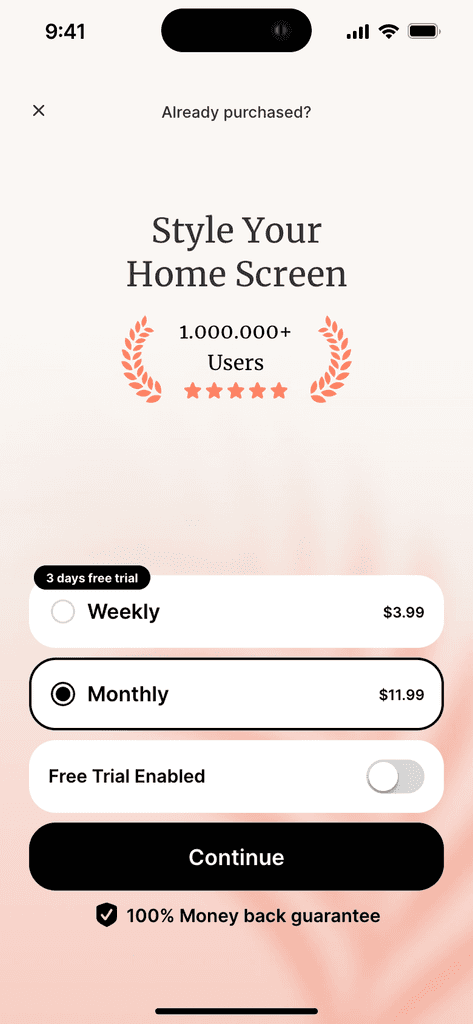
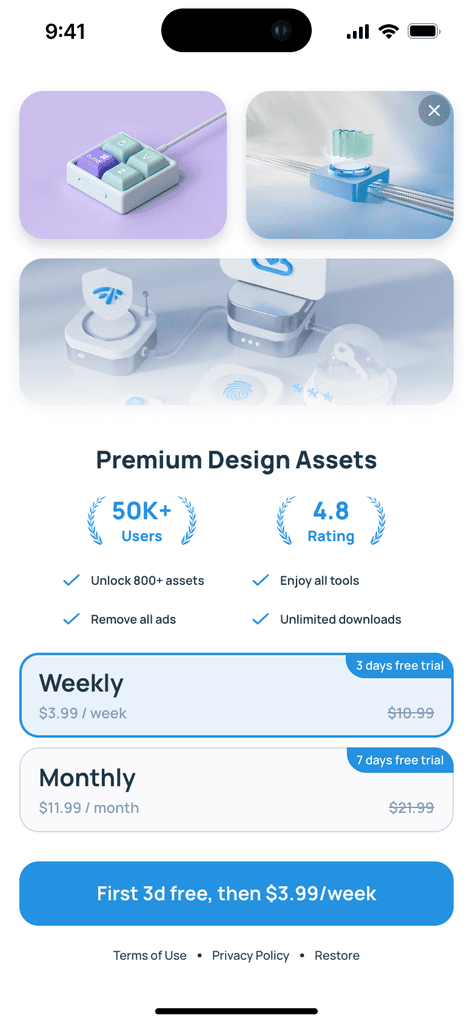
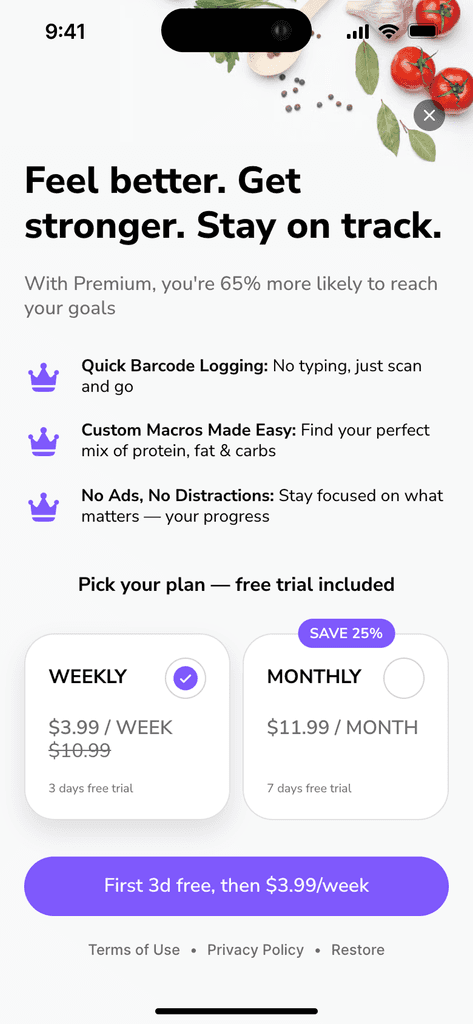
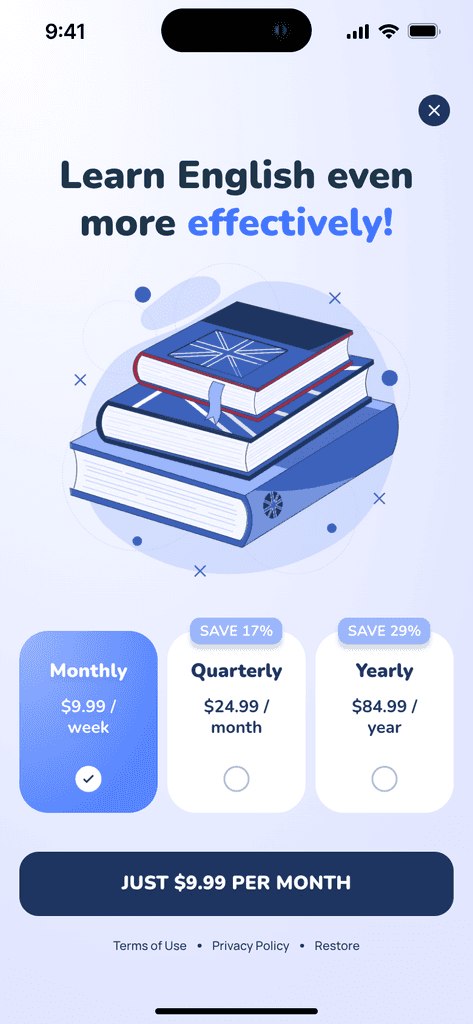
Choose from 50 high-quality paywall templates — all free to use. Customize every detail right in Figma: including layout, styling, fonts, buttons, and more.

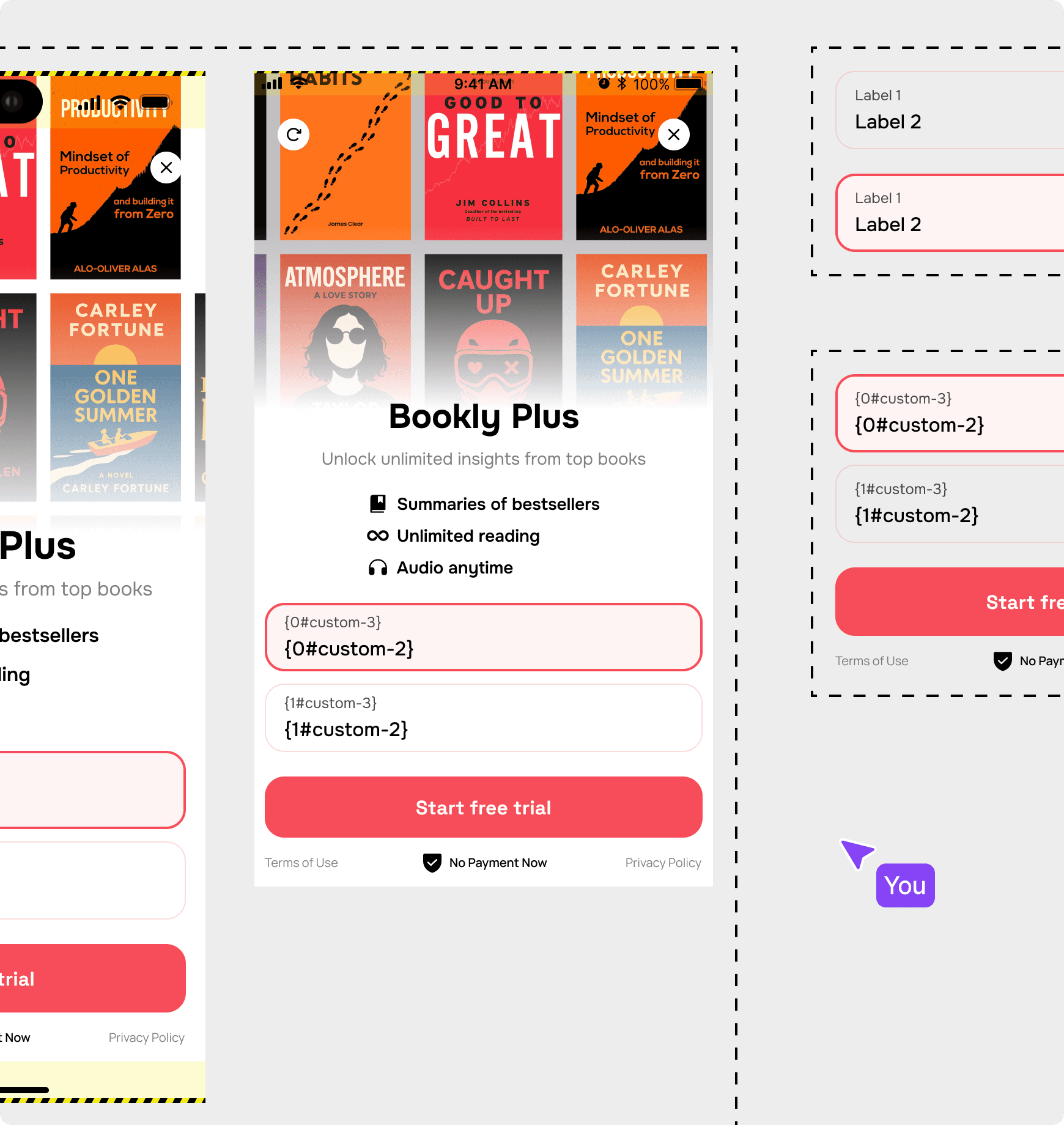
Step 1
Design your paywall in Figma
Create your paywall just like any other Figma design — from scratch or by using sample project file with 50 ready-to-use layouts.
Step 2
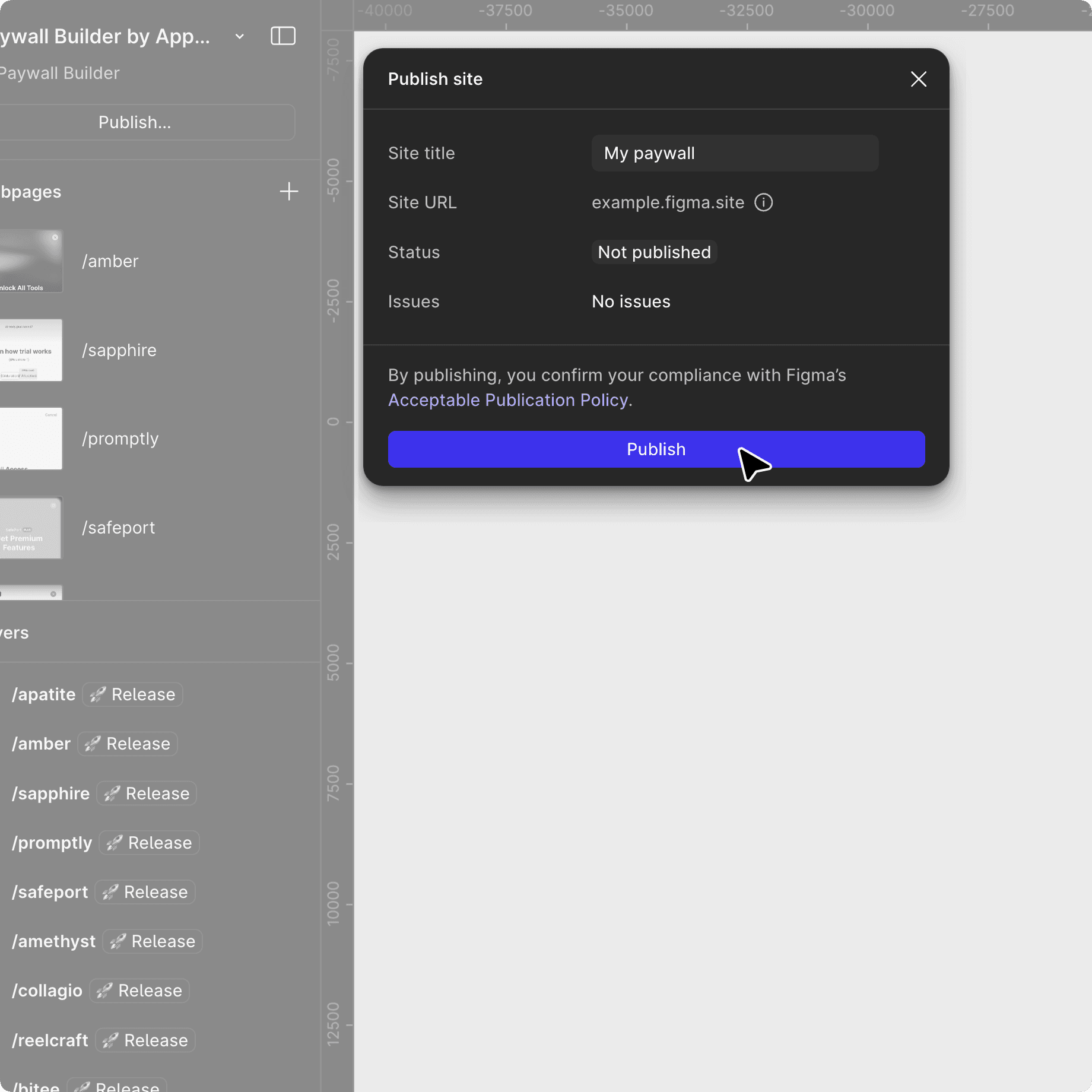
Publish paywall in a single click and get paywall URL
Use Figma Sites to instantly turn your design into a live paywall screen. Just click "Publish", and your paywall is ready.*
* Figma Sites requires a paid Figma seat.
Step 3
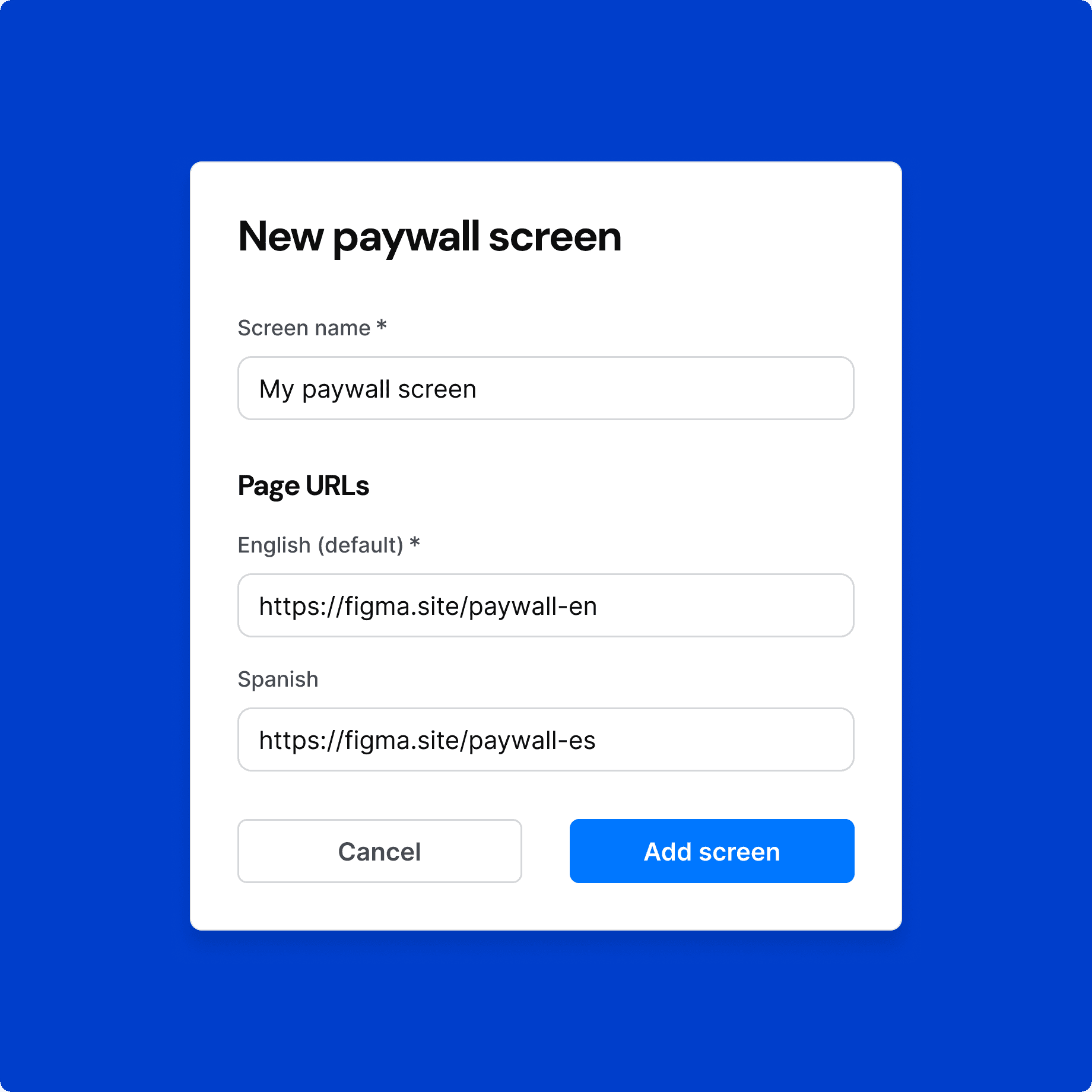
Paste paywall URL into Apphud
Drop your Figma Sites URL into Apphud, link in-app products, and define macro texts like pricing and durations — all in a few clicks.
Step 4
Manage your paywall in Apphud
Control products, run A/B tests, measure performance — all from the Apphud dashboard, just like you’re used to.

Remote products configuration
Change the products shown on your paywall with no app updates.

Audience targeting
Control which paywall and pricing each audience sees.

30+ monetization reports
Get insights on conversion, LTV, retention, and more.

A/B tests
Find the most profitable paywall with remote A/B tests.
FAQ
Can I turn my Figma design into a real paywall?
Yes! Apphud lets you convert your Figma designs into fully functional app paywalls — no coding required. You can start from scratch or use one of our free paywall templates.
How do I convert my Figma design into a real paywall?
Use Figma Sites to turn your design into a live web page. It’s fast and easy — just publish your design and get a shareable URL. Then, paste that URL into Apphud, define macros like prices and durations, and connect it to your paywall logic. Note: Figma Sites may require a paid Figma plan.
Do I need to know Figma to build a paywall?
Basic Figma knowledge is helpful. If you’re not familiar, we recommend learning the basics or collaborating with a designer. To ensure everything works smoothly on mobile, be sure to follow the guidelines included in our Figma template file.
Can I export Figma designs to Apphud for free?
Yes — during beta, converting your Figma designs into live paywalls with Apphud is completely free.
Which platforms are supported?
Right now, Paywall Screens work with iOS apps built in Swift. Support for other platforms is on the way — stay tuned!

Let's talk
Building in-app paywalls shouldn’t take days — or even hours. Let’s talk about how you can leave manual paywall development behind.